Developer
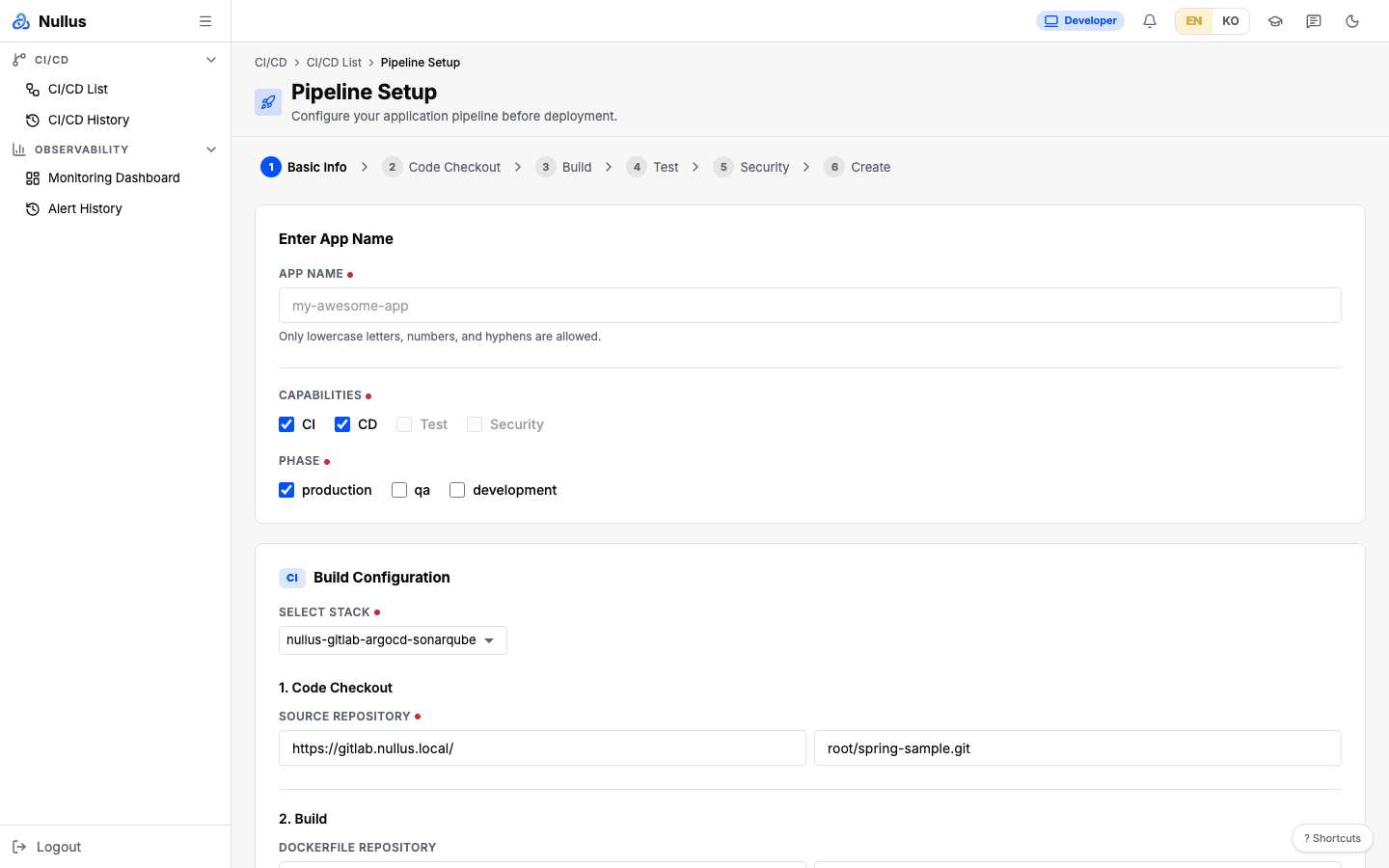
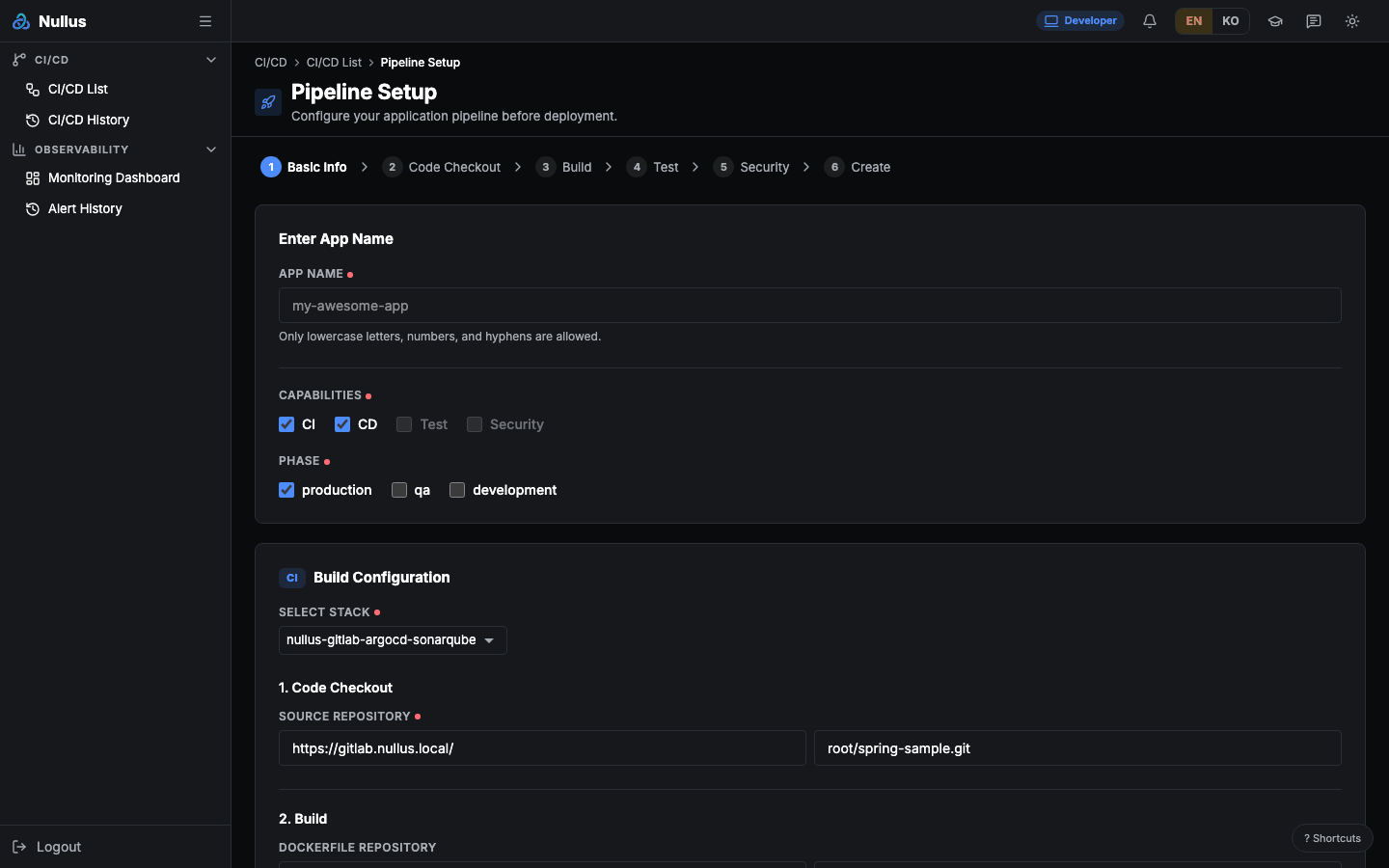
After login you land on the App Deploy (/cicd/developer-deploy) screen.
The sidebar shows 4 items.
| Group | Items |
|---|---|
| CI/CD | CI/CD List · CI/CD History |
| Observability | Monitoring Dashboard · Alert History |
What you do
- In App Deploy, fill in the app name, repository, cluster, namespace, and resources, then click Execute
- Follow progress in Pipeline Logs
- In CI/CD List, check the status and the vulnerability and SAST results
- Review past deployments in CI/CD History
Good to know
Selection boxes look empty — because of lookup APIs, not permissions
The Stack, Cluster, and Namespace selections in App Deploy and the cluster and stack filters in Monitoring Dashboard and Alert History all come from lookup APIs restricted to admin and devops. With authentication enabled, if you sign in as developer, these selections come up empty with 403s, and App Deploy cannot get as far as creating the pipeline.
The server does grant developer the permission to create and deploy pipelines — only the lookups that populate the screen are blocked. For now, the reliable route is to ask a devops or admin user to create the pipeline, then run it from CI/CD List with Execute. The alert list itself is available without any role restriction.
The table of which screen comes up empty because of which API is in Permissions.
You will use screens that are not in the menu
App Deploy and Pipeline Logs have no sidebar entry. Reach them from the start button on the home screen or from the buttons in CI/CD List.
CI/CD Template and Golden Paths have routes that allow developer, but they are not in the sidebar. Once you open one from home, you cannot find your way back to it through the menu.
Screens that open by URL but are not in the menu
These screens are only hidden from the sidebar; their routes have no role restriction, so they open if you type the URL directly. Their data APIs are blocked, though, so they mostly look empty.
/stack/templates · /stack/list · /stack/history · /stack/version ·
/cicd/templates · /cicd/golden-paths
The full comparison is in the Permissions table.