Organization
/admin/organization admin
Manage organization details and the range of clusters the organization can use.
/admin/organizations is the same screen.
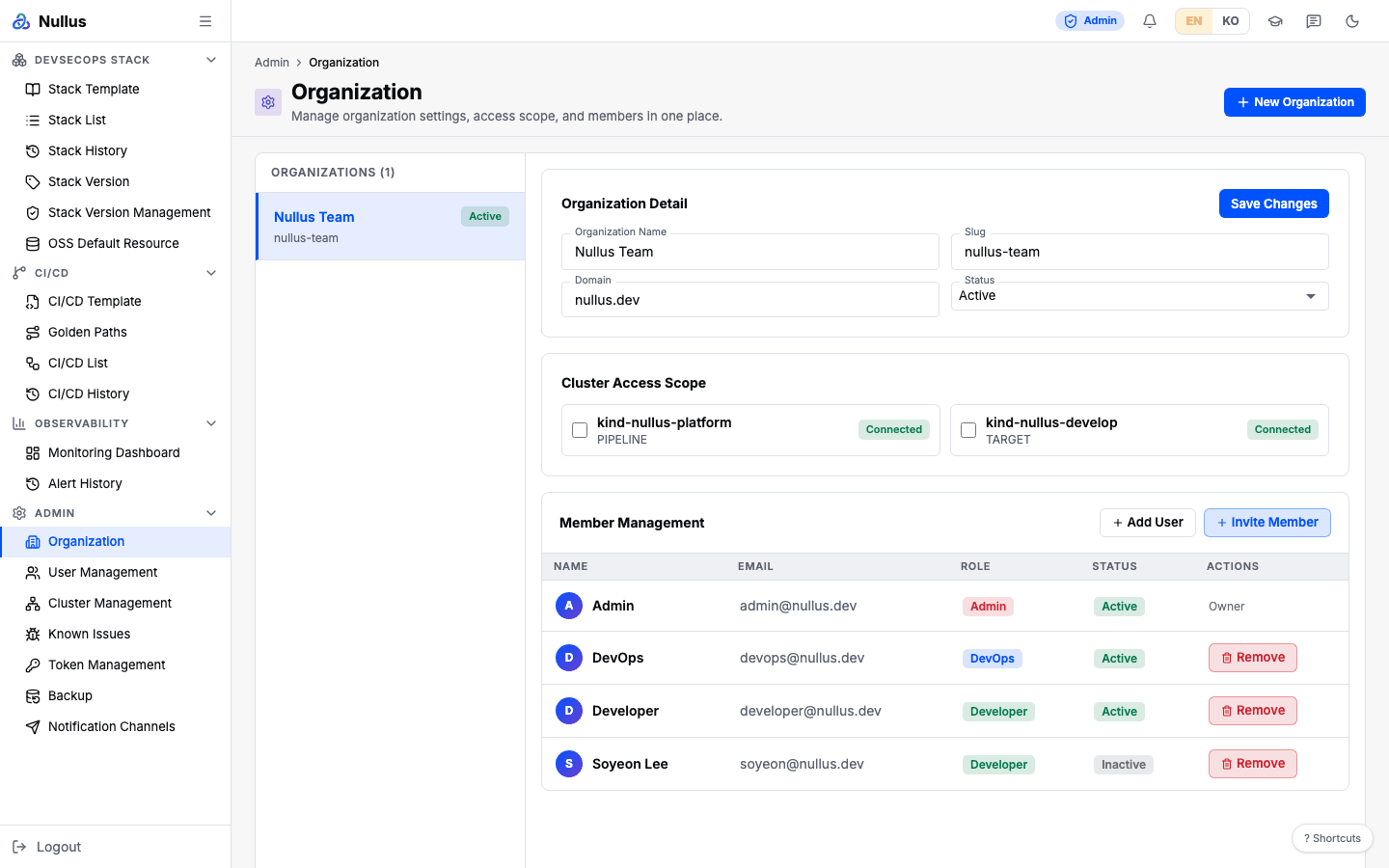
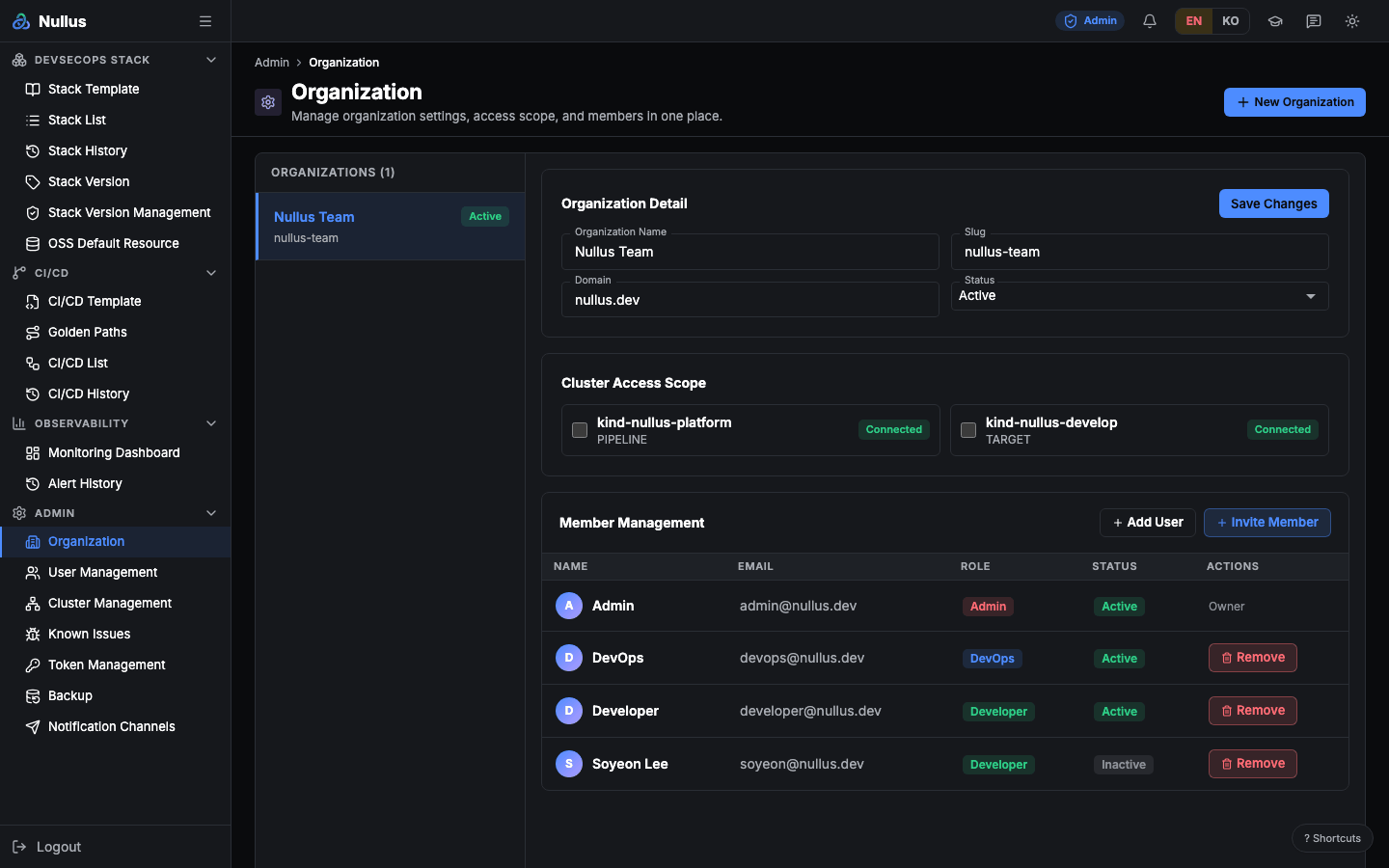
Screen layout
The organization list is on the left, and the detail form is on the right.
| Field | Saved? |
|---|---|
| Organization Name | ✅ |
| Slug | ❌ — see below |
| Domain | ✅ |
Status (active·inactive·suspended) |
❌ |
| Cluster Access Scope (grid of cluster checkboxes) | ✅ — saved by cluster name |
Below them are the Member Management table (Name · Email · Role · Status · Actions), Add User (→ User Management), and the Invite Member dialog. The New Organization dialog creates a new organization.
Slug and Status are not saved when you edit them
The form makes them look editable, but the update API accepts only three fields:
name, domain, and clusterAccessScope. Slug and Status are not sent.
suspended does not exist as a server-side Status value at all (there are only
active and inactive). And no code reads the organization status to block
access — switching it to inactive does nothing.
A failed save looks like a success
If the update request fails, the screen silently changes only the in-browser state. After a refresh, the old values are back. Refresh once after saving to confirm.
There is no screen for setting the default admin
The data model has a default admin field, but there is no UI or API to set it.
How the organization is chosen
The read API resolves the organization in this order.
- The
X-Org-IDheader - The
?orgIdquery parameter - The signed-in user's organization
- The first organization in the table
The frontend sends a fixed X-Org-ID
(see the Admin overview).
APIs it calls
| Action | Endpoint |
|---|---|
| Read | GET /api/v1/admin/organization |
| Update | PATCH /api/v1/admin/organization |
| Create | POST /api/v1/admin/orgs — validates slug format and uniqueness, and writes an audit log |
| Members | /api/v1/admin/organizations/{orgId}/members… |
| Clusters (for access scope) | GET /api/v1/admin/clusters |
Resource profiles
An organization also carries resource profiles for stack installation
(/api/v1/admin/organization/resource-profiles). But you save and delete them in the
Resources tab of the Stack Install wizard, not on this screen.
As a result, a screen devops uses calls an admin-only API.