OSS Default Resource
/stack/oss-resource-default admin devops
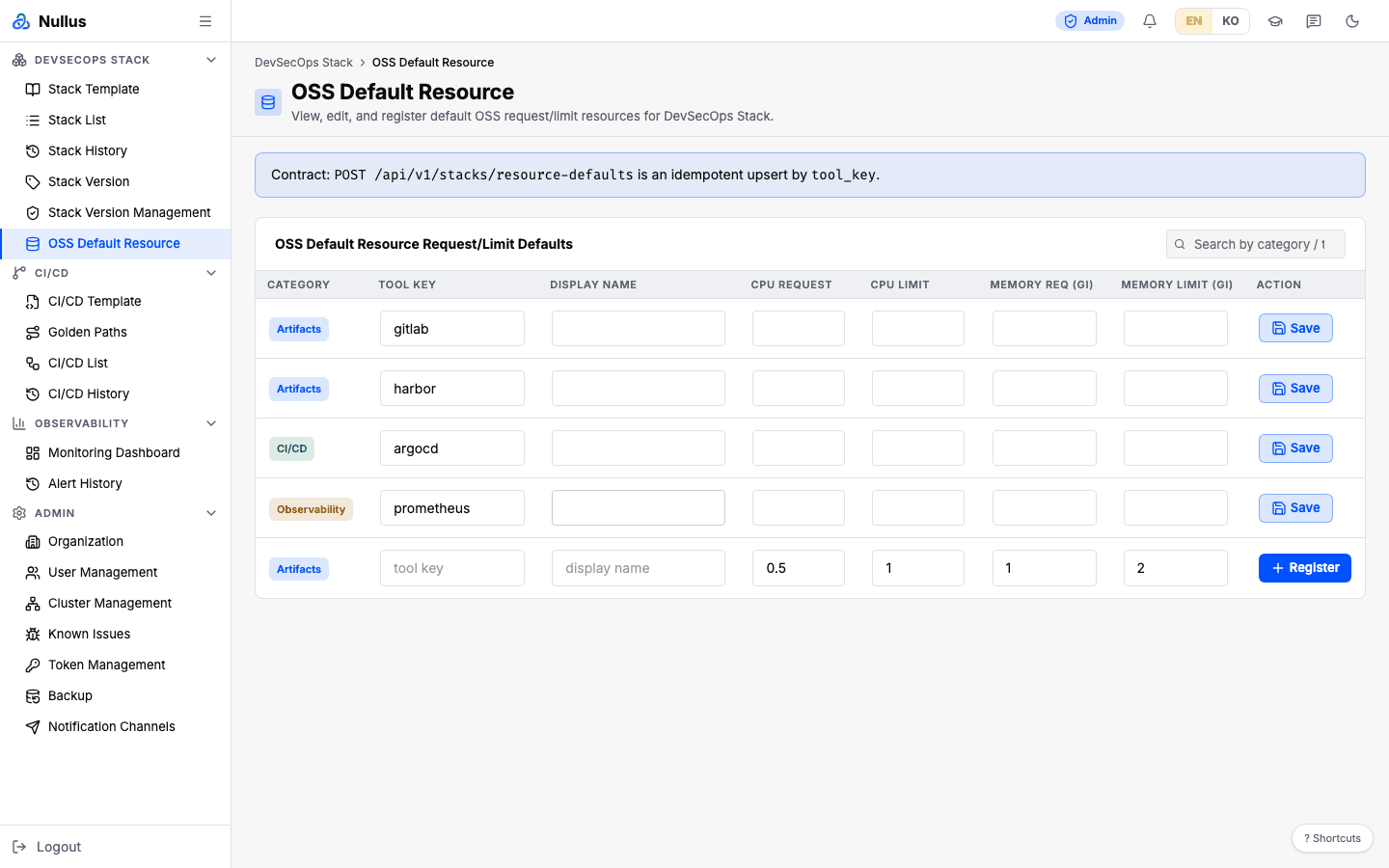
This screen sets default CPU and memory values for each tool. The install wizard's Resources tab uses these values as its recommended values.
The in-screen text is in English
The sidebar label is translated with the UI language, but the screen
title, breadcrumb, column headers, and buttons are hard-coded in English,
such as OSS Default Resource, so they stay English even in the Korean UI.
How to use it
- Find a tool with
Search by category / tool / name.... - Edit the values in the row directly and click that row's Save.
- To add a new tool, fill in the empty row at the bottom and click
Register.
Tool KeyandDisplay Nameare required.
Saving is an idempotent upsert keyed on tool_key — sending the same key
again overwrites the entry. The notice banner at the top of the screen states
this contract verbatim.
Table columns
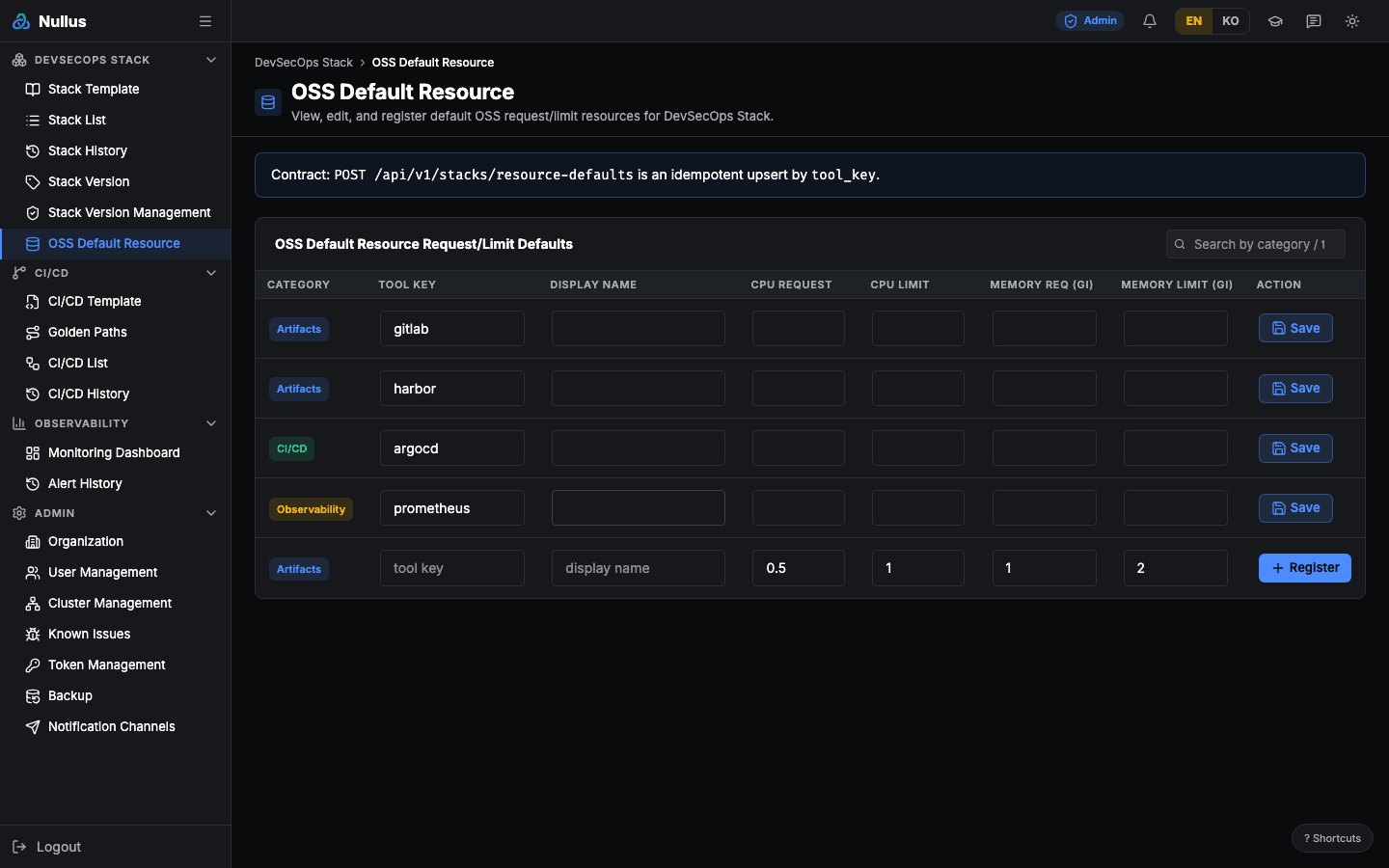
Category · Tool Key · Display Name · CPU Request · CPU Limit · Memory Req (Gi) · Memory Limit (Gi) · Action
You cannot edit storage on this screen
The save request also carries storage_request_gi and storage_limit_gi,
but the table has no storage columns. So existing rows send back
whatever values came from the server, and newly registered rows always go
in with 0.
APIs it calls
| Action | Endpoint |
|---|---|
| Read | GET /api/v1/stacks/resource-defaults |
| Save (upsert) | POST /api/v1/stacks/resource-defaults |