Admin
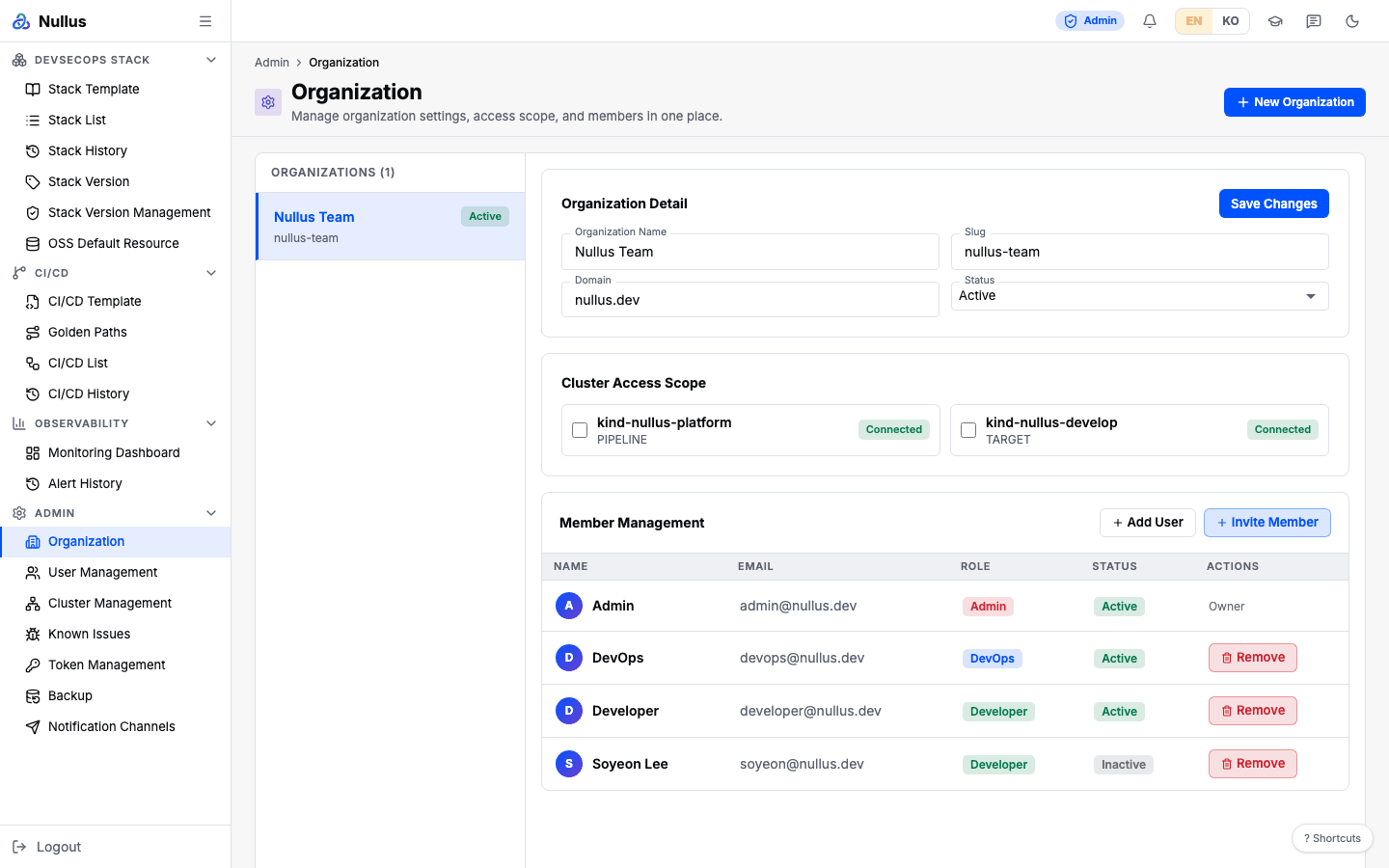
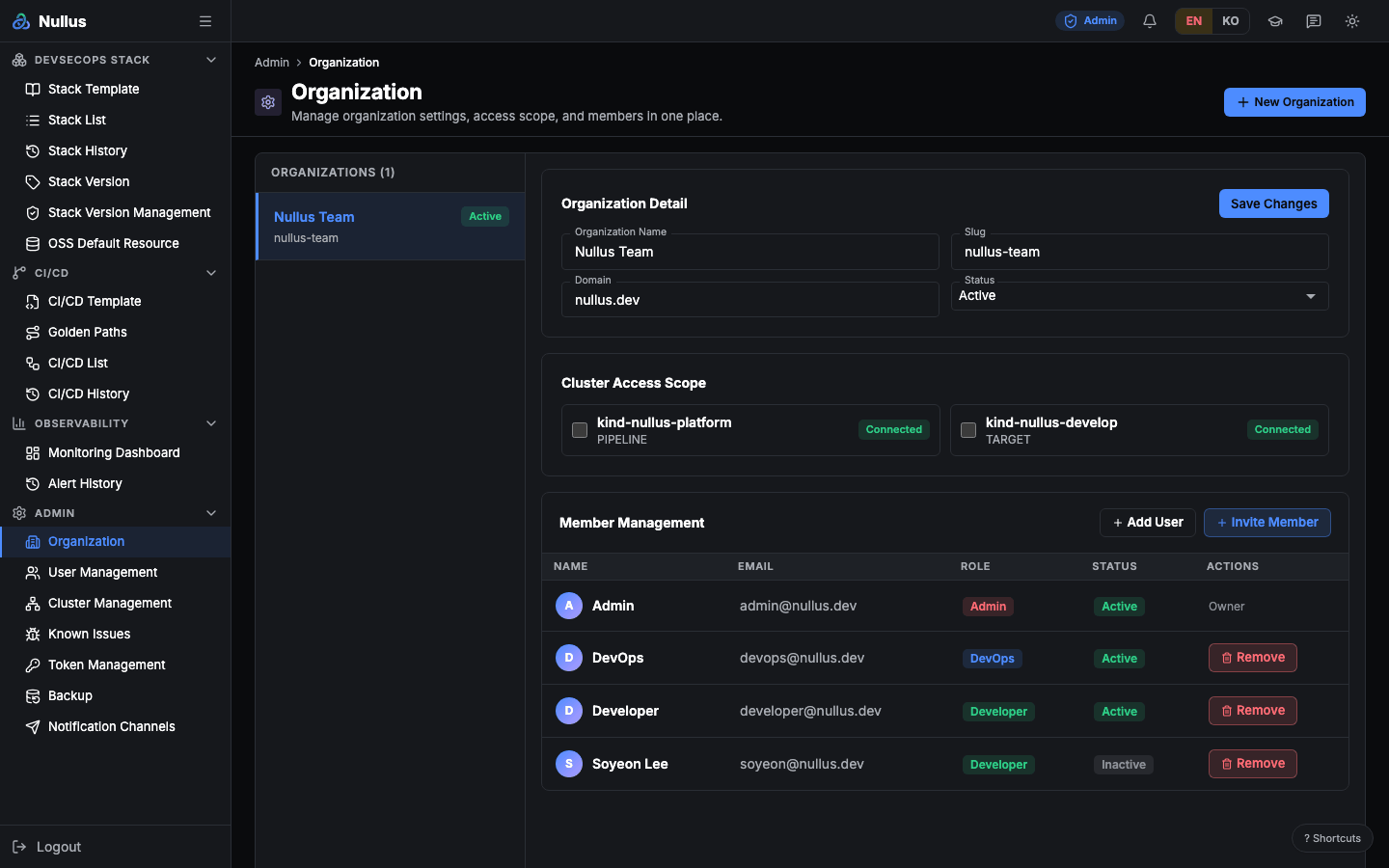
After login you land on the Organization (/admin/organization) screen. All 19
sidebar items are visible, and this is the only role that can call all of
/api/v1/admin/**.
First-time setup order
- Register the target cluster in Cluster Management.
Paste a kubeconfig; the register button unlocks only after Verify Connection
shows
connected. Do this first - In Organization, set the name, domain, and Cluster Access Scope
- In User Management, add members and assign roles
- Register Notification Channels and confirm them with Send test
- Run a Backup once to check that the destination settings are correct
From there on, the path is the same as for devops — see DevOps.
What only admin can do
| Task | Screen |
|---|---|
| Organization details and cluster access scope | Organization |
| Add members, assign roles, deactivate | User Management |
| Register and verify clusters | Cluster Management |
| Manage the compatibility matrix | Stack Version Management |
| Check token sources | Token Management |
| Backup and restore | Backup & Restore |
| Notification channels | Notification Channels |
| Create, edit, and delete stack templates | Stack Template |
| Create, edit, and delete CI/CD templates | CI/CD Template |
| Manage monitoring embed tabs | Monitoring Dashboard |
Check before going to production
Auth mode
With the default, session, the server trusts the role claimed in the request
header as is. In production, set both NULLUS_AUTH_MODE=oidc and the
frontend's authMode=oidc. They must not differ.
Server mode
With server.mode=development, authentication and role checks are all
turned off. The chart default is production.
Admin features that do not work today
Each page covers these in detail, but they are worth knowing up front when you plan operations.
| Feature | Status |
|---|---|
| Invite links | Placeholder: the server returns an empty response. There is no accept path either |
| Role Permissions tab | Saved only in browser localStorage. Has no effect |
| Organization status (Status) | Not saved, and no code reads it to block anything |
| Compatibility matrix CRUD | Routes not registered — 404 |
| Token rotate, approve, and pause buttons | Only change the status text. The server scheduler does the actual reissuing |
| Password login | Cannot succeed with any account |
| Restore | No screen. API only |
| Audit log viewing | The API exists, but there is no screen to view it |