CI/CD History
/cicd/history admin devops developer
The screen that shows deployment records in chronological order.
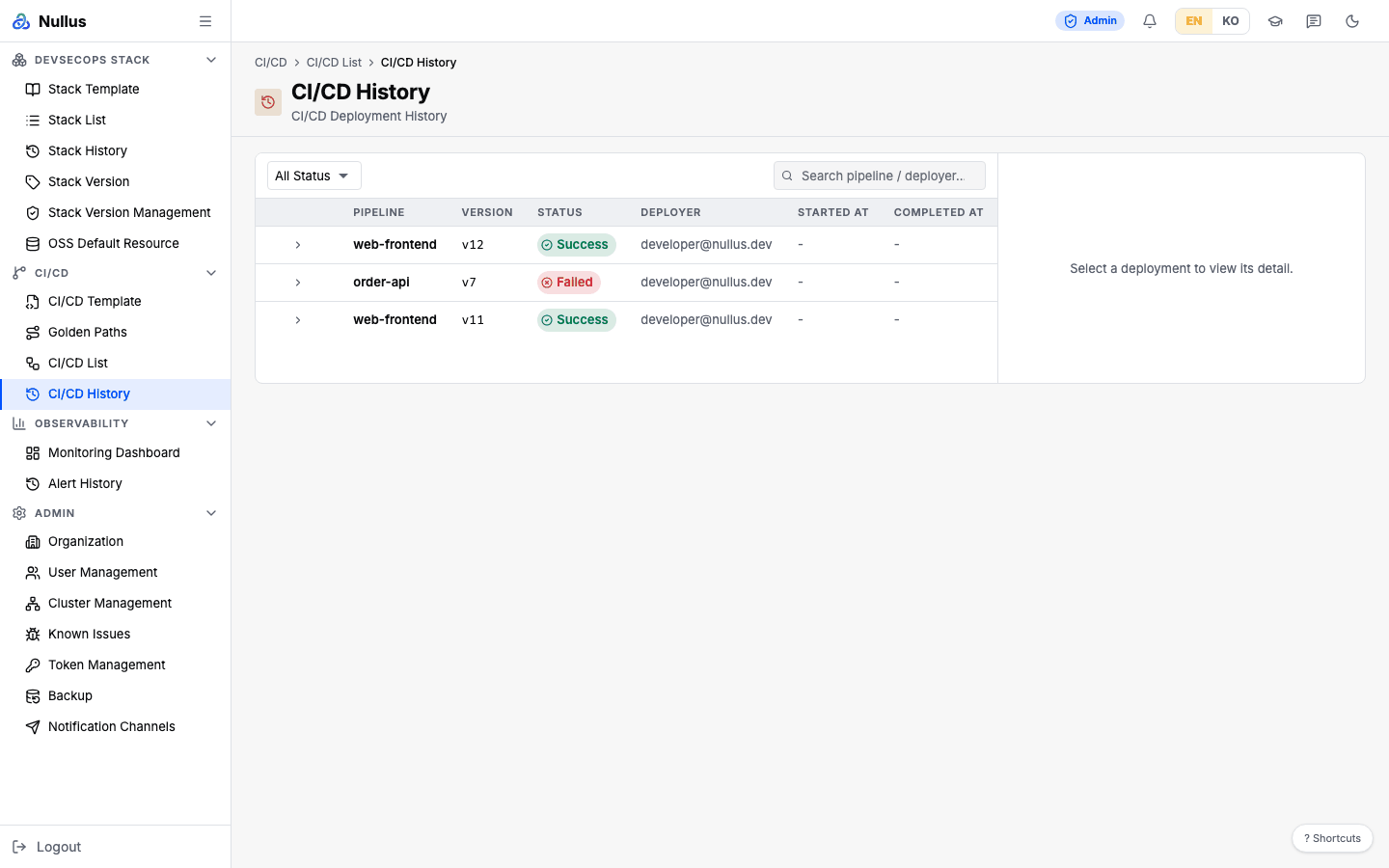
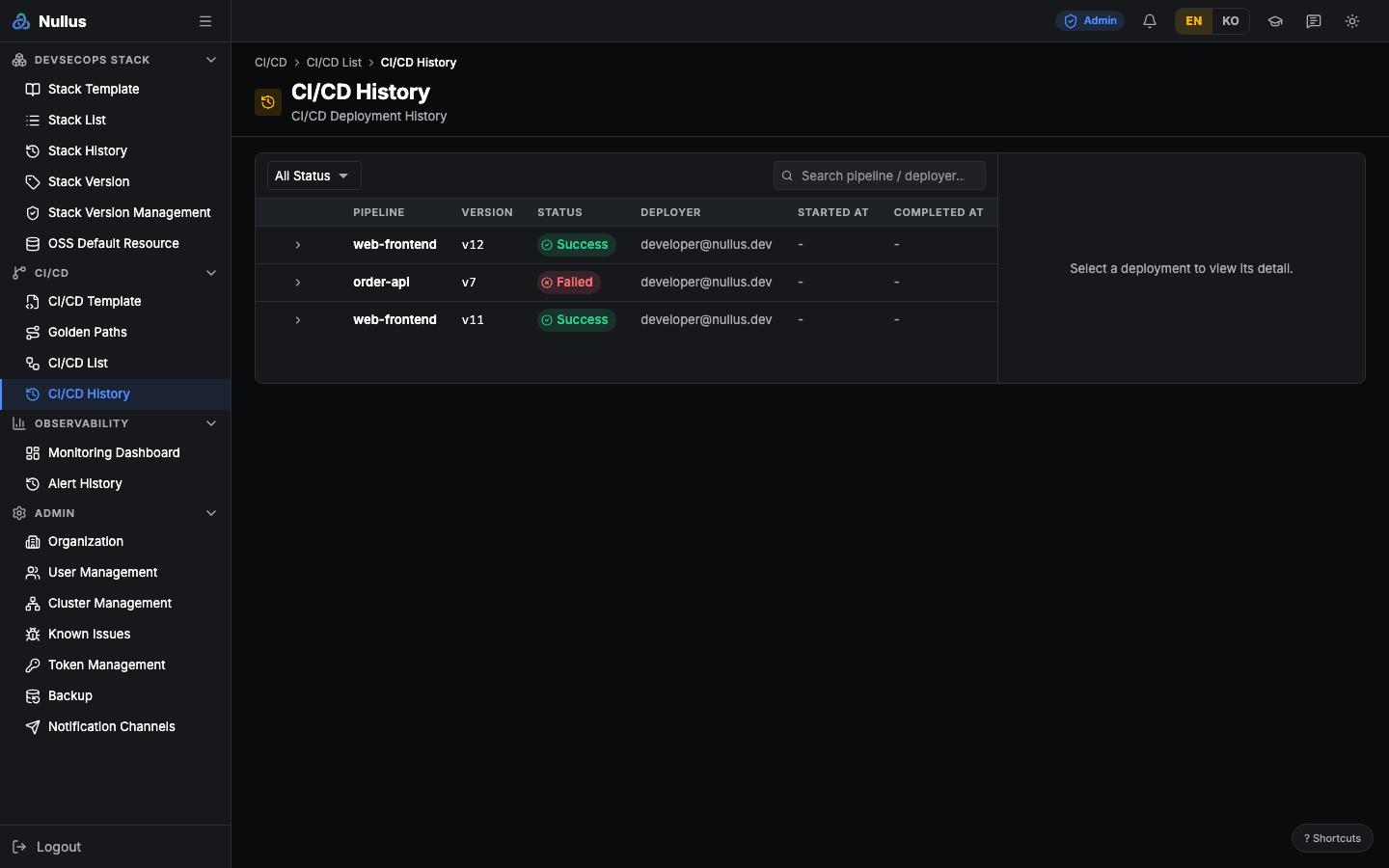
Table columns
| Column | Content |
|---|---|
| (expand) | Row selection |
| Pipeline | Pipeline name |
| Version | Deployed version |
| Status | Status badge |
| Deployer | Who ran it |
| Started At | Start time |
| Completed At | Completion time |
The toolbar has a status selector and search (pipeline name and deployer).
If the URL carries ?pipeline=<id>, a "Filtered by pipeline:" chip appears.
Clicking Clear filter rewrites the URL and reloads the screen.
The detail panel on the right repeats the same six fields (Pipeline · Version · Triggered By · Status · Started At · Completed At) — the server has per-stage data, but this screen deliberately does not wire it up.
cancelled never matches
The status selector offers cancelled, but deployments have only five status
values: pending · running · success · failed · rolled_back. The
status filter runs in the browser.
APIs it calls
Response items contain id, pipelineId, pipelineName, version, status,
triggeredBy, startedAt, and completedAt.
The only server-side filter is pipeline_id. When pipeline_id is given, the
server first syncs run records from the CI server and then responds.
Rollback was removed from the screen
No rollback API route is registered on the server, and the button has been removed from this screen.