Token Management
/admin/token-management admin
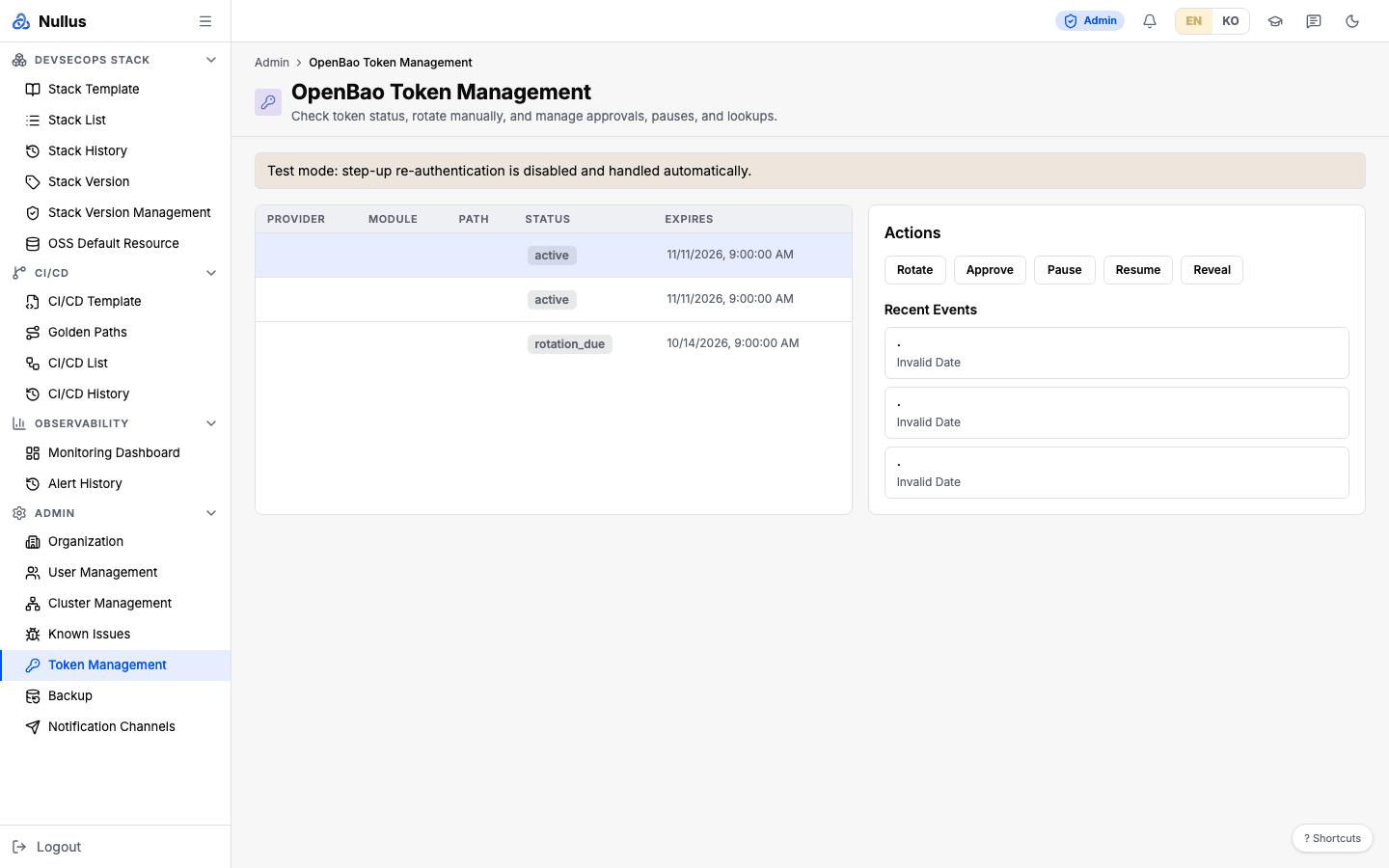
The screen that shows where the secrets (tokens) used by installed stacks come from, and their status.
The screen title is English-only
The sidebar label is "Token Management", but the screen title is
OpenBao Token Management in every language.
What a token source is
Each row points to one secret that the platform manages on your behalf.
| Field | Meaning |
|---|---|
provider |
Which tool the token belongs to |
module |
Which module uses it |
path |
Path inside the secret store (OpenBao by default) |
token_type |
Type |
status |
See below |
expires_at · last_rotated_at · next_check_at |
Expiry, last rotation, next check |
requires_approval |
Whether rotation requires approval |
Rows are created from stack settings — they are the SCM and registry tokens that your installed stacks need. Each source accumulates an append-only record of rotation events.
Status values: healthy · renew_due · renewing · rotated ·
failed_retryable · failed_manual · expired
Screen layout
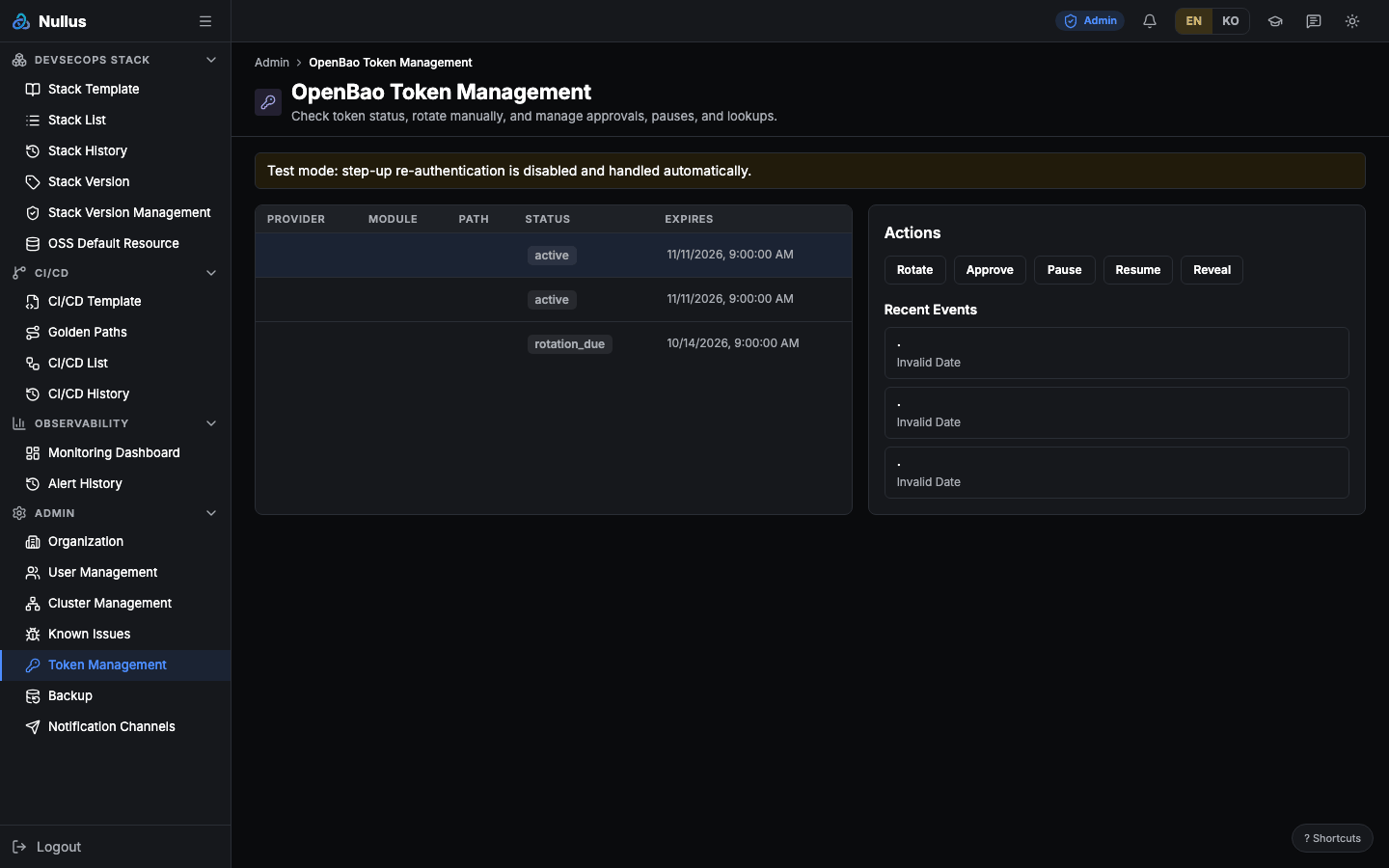
Pick a row in the table on the left (Provider · Module · Path · Status · Expires), and the right side shows the Rotate · Approve · Pause · Resume · Reveal button group, the Recent Events list, and a result JSON block.
Four of the buttons only change the status text
Rotate, Approve, Pause, and Resume do not actually reissue the
token. All they do is write a new status value and log one event line as
success.
| Button | Resulting status |
|---|---|
| Rotate | rotated |
| Approve · Resume | renewing |
| Pause | failed_manual |
The real reissue is done by the automatic rotation scheduler inside the server (it checks every 5 minutes by default). You cannot touch it from this screen. So even when a button shows "rotated", the token is unchanged.
Reveal — viewing the secret
The server requires two steps.
POST …/{id}/re-auth— issues a single-use step-up token valid for 5 minutesPOST …/{id}/reveal— send that token together with the user ID, and it returns the plaintext secret
The step-up token is held in process memory. It disappears when the server restarts, and it is not shared across replicas.
This screen runs in test mode
As the screen's own "Test mode" banner says, the step-up step currently passes automatically without a person re-authenticating. Also, actions on this screen, including Reveal, are not written to the audit log — unlike the other admin screens.
Before using it in production, enforce step-up and turn on audit logging.
APIs it calls
| Action | Endpoint |
|---|---|
| List | GET /api/v1/admin/token-sources |
| Events | GET /api/v1/admin/token-sources/{id}/events |
| Change status | POST …/{id}/rotate · /approve · /pause · /resume |
| Step-up | POST …/{id}/re-auth |
| Reveal secret | POST …/{id}/reveal |
Relationship to token-source-sync
cmd/token-source-sync is a one-shot backfill tool. It walks the stacks that have
finished installing and whose auth provider is OpenBao, rebuilds the token values from
their settings, and writes them into the vault.
- PATs the user entered directly (e.g. GitHub) are left empty on purpose and not touched
- It does not create
token_sourcesrows — it is a tool that fixes the vault, not the source of the list this screen shows