User Management
/admin/users admin
The screen for adding organization members and assigning roles. It has two tabs.
Three things that do not work on this screen today
- No invitation email is sent. "Invite User" creates no email, no credentials, and no token
- Generate Invite Link does not work. The server side is a stub, and there is no accept route
- The Role Permissions tab has no effect. It is saved only in the browser
Each is described below. Today, the only way to add a person is to look up an existing user by email and add them as a member.
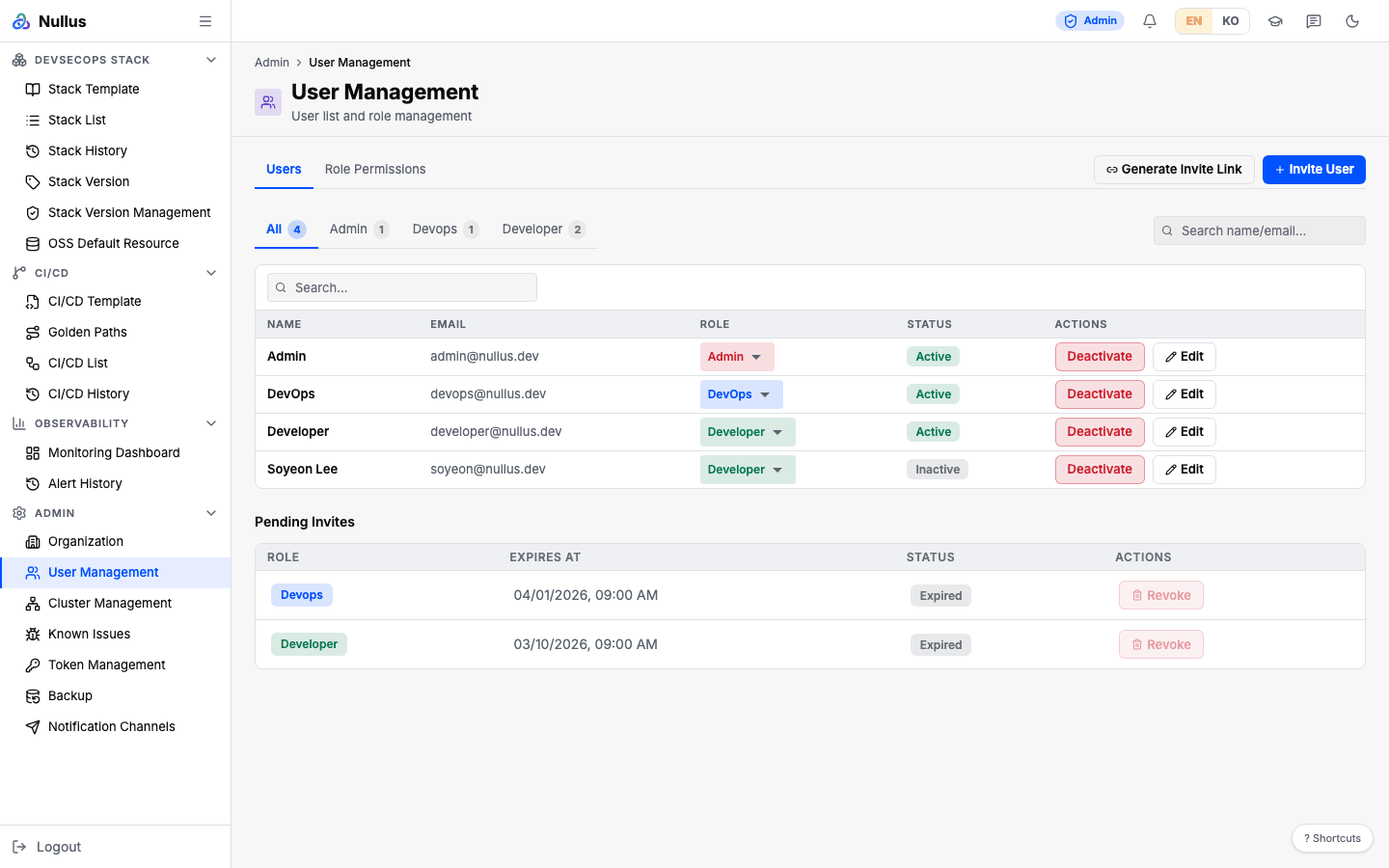
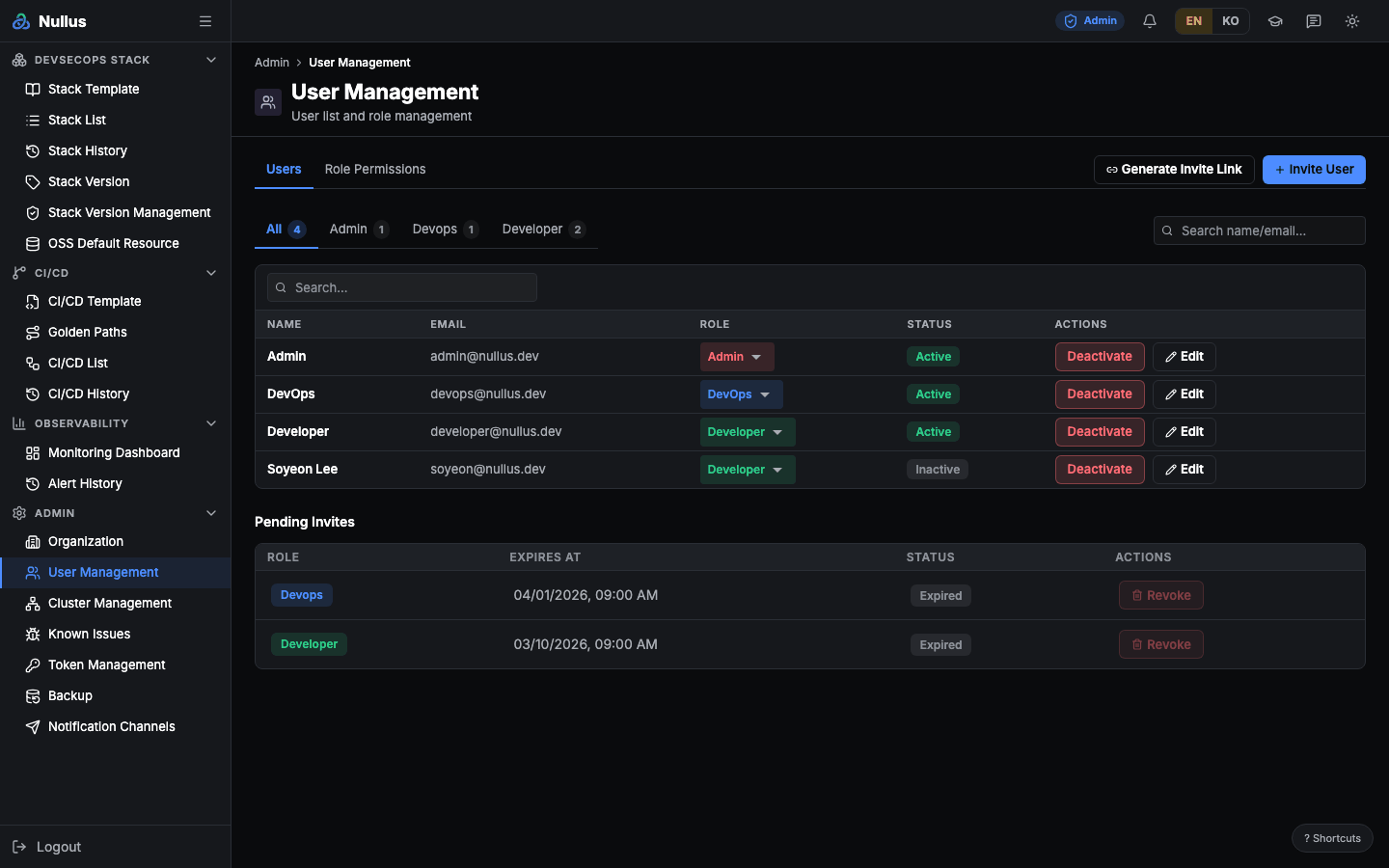
Users tab
- Search by name or email, and filter by role tab
- A role select box on each row — your choice is saved immediately
- Deactivate button (with a confirmation dialog)
- Edit dialog — name, email, role
Adding a user (Invite User)
Enter a name, email, and role. Once the email is longer than three characters and
contains @, the screen looks up an existing user after 300 ms and fills in the name
if it finds one.
Despite the name "Invite", it actually does one of two things.
| If a user with that email | Result |
|---|---|
| already exists | Added as an organization member — usable right away |
| does not exist | A user row is created as inactive (is_active = false) and added as a member |
In the second case, the user stays unable to sign in, because there is no email delivery, no credential creation, and no invite token.
Generate Invite Link
Pick a role and an expiry (1, 3, 7, or 30 days; 7 by default), and a link is copied to
the clipboard. But the server's three invite endpoints are stubs that return empty
responses ({"items":[]}, an empty token, 204). The list is fake in-screen data, and
if generation fails, the screen builds a fake address such as inv-<timestamp> and
copies it. The app also has no /invite/:token route, so even a real link would 404,
and there is no accept endpoint.
Role Permissions tab
The permission list is hard-coded in the screen. Toggle the View/Edit chips and click Save Changes, and the result is saved to browser localStorage — it never reaches the server and does not change actual permissions. Actual permissions are hard-coded, as listed in the permissions table.
APIs it calls
| Action | Endpoint | Notes |
|---|---|---|
| Find by email | GET /api/v1/admin/users/search?email= |
Returns {found:false} even on error |
| List members | GET /api/v1/admin/organizations/{orgId}/members |
|
| Add member | POST …/members |
Writes an audit log |
| Update | PATCH …/members/{memberId} |
Needs at least one field. No audit log |
| Deactivate | POST …/members/{memberId}/deactivate |
Only sets is_active=false. No audit log |
| Delete | DELETE …/members/{memberId} |
Actually deletes the user row |
Deactivating does not disconnect people who are signed in
Tokens already issued stay valid. If you need to block someone immediately, end their session in the IdP (Keycloak). Deactivate on this screen alone does not block them.
About password sign-in
The normal path is Keycloak OIDC. ID/password sign-in cannot succeed with any account — there is a field for a password hash and a hash function, but no product code uses that value. Neither the seed data nor adding a member sets a hash. To use it as an emergency path, an operator must write a bcrypt hash directly into the database.