Golden Paths
/cicd/golden-paths admin devops
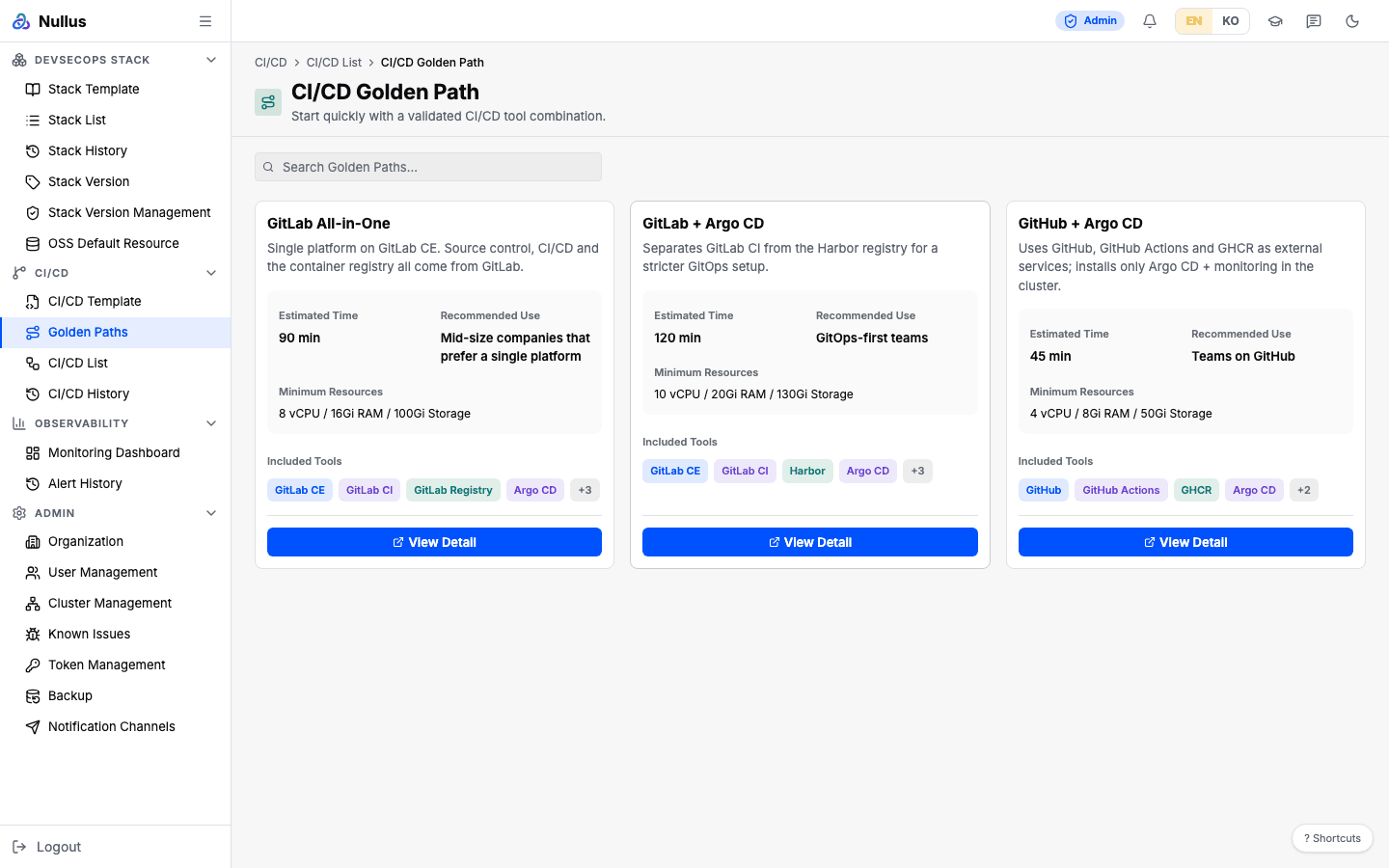
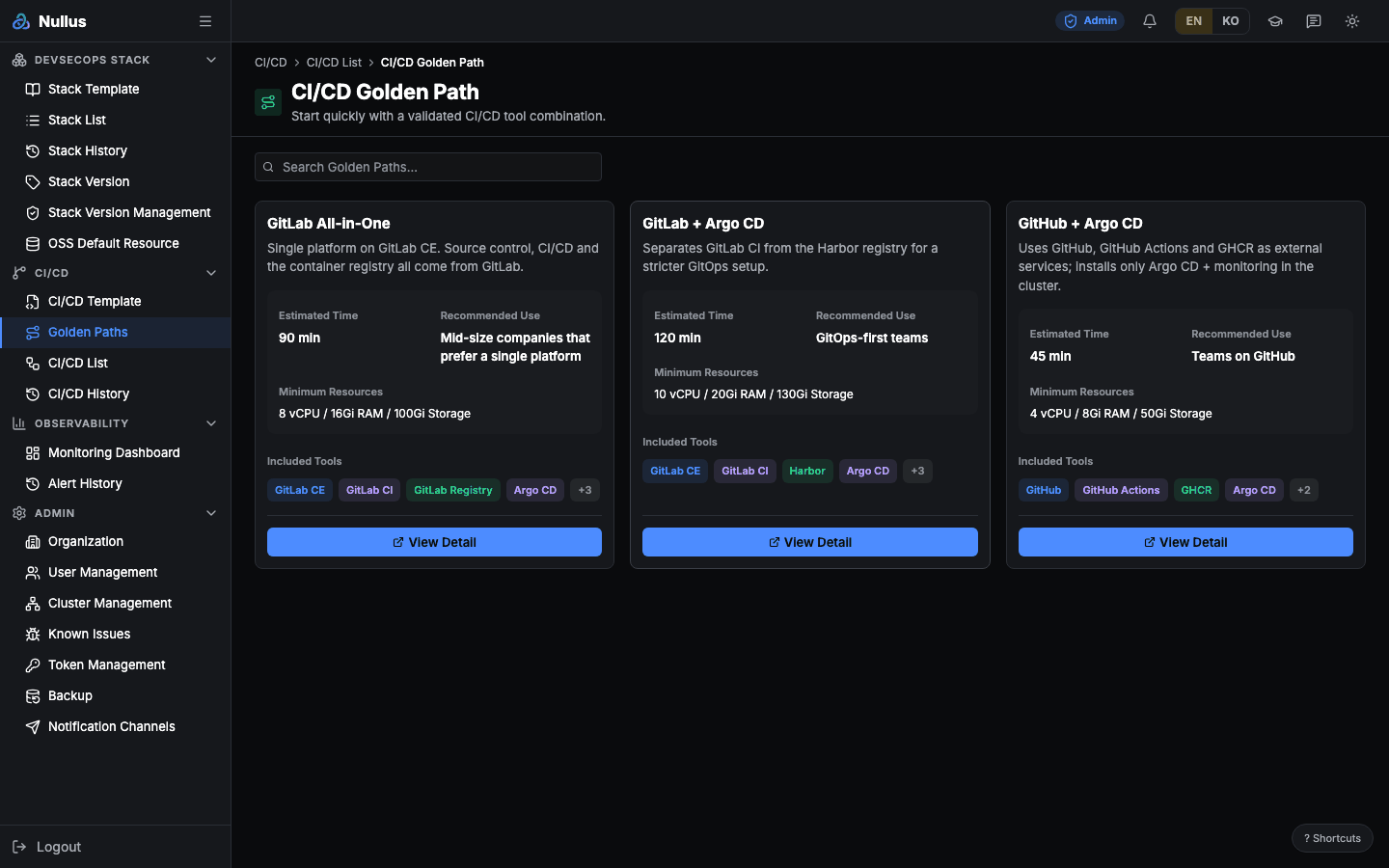
The screen for browsing recommended paths with a predefined tool combination. Picking one takes you to stack install.
The screen title is hard-coded in English
The sidebar label is "Golden Paths", but the screen title is hard-coded as
CI/CD Golden Path.
How to use it
- Browse the cards, or narrow them with search.
- Use View Detail to check the included tools and versions.
- Click Use this Golden Path to carry the tool selection over to the stack
install settings and go to
/stack/install.
Each card shows the name, description, estimated install time (minutes),
recommended use, minimum resources, badges for the first four tools, and +N.
In the detail dialog, each tool shows category · name ·
Helm: <version> · App: <version>.
The three built-in golden paths
| ID | Name | Est. | Min. resources | Tools |
|---|---|---|---|---|
gitlab-allinone-v1 |
GitLab All-in-One | 90 min | 8 vCPU / 16Gi / 100Gi | GitLab CE · GitLab CI · GitLab Registry · object storage · Argo CD · Prometheus · Grafana · Loki |
gitlab-argocd-v1 |
GitLab + Argo CD | 120 min | 10 vCPU / 20Gi / 130Gi | Same as above, but the registry is Harbor |
github-argocd-v1 |
GitHub + Argo CD | 45 min | 4 vCPU / 8Gi / 50Gi | GitHub · GitHub Actions · GHCR (all three external) · object storage · Argo CD · Prometheus · Grafana · Loki |
These three entries are defaults that a migration inserts into the
cicd_golden_paths table. Card order is fixed by sort_order, so it does not
change between requests.
There is no editor in the UI
Additions, edits, and deletions persist in the table, but no screen does that work. For now you have to call the API directly or insert rows with SQL. Changes survive a server restart.
These are not the stack template golden paths
The 11 entries on Stack Template, such as
gitea-jenkins-argocd-v1, gitlab-harbor-v1, and empty-template-v1, are
separate. Those live in a database table (golden_path_templates) and are
served by /api/v1/stacks/templates. Don't mix them up with the three here.
The tool versions also differ between the two (e.g. Argo CD Helm 7.7.2 vs
7.7.16).
The GitHub golden path changes the registry
If you pick github-argocd-v1, GHCR is not carried over to the stack
settings; it falls back to the default GitLab registry. The table that maps
tool names to stack-side IDs has no GHCR entry.
developer can click but cannot get in
The route allows developer, but /stack/install, where
Use this Golden Path sends you, is admin/devops only, so you are bounced
straight back.
APIs it calls
The screen calls only the list endpoint.
The response is an array; each item contains id, name, description,
tools[{category, name, helm_version, app_version}],
estimated_install_time, recommended_use_case, min_resources, and
created_at. Order is sort_order → id.
The rest are not used by the screen but are open. Reads are allowed for all three
/cicd roles; writes only for admin and devops.
| Method | Path | Returns |
|---|---|---|
GET |
/api/v1/cicd/golden-paths/{id} |
404 CICD_GOLDEN_PATH_NOT_FOUND if missing |
POST |
/api/v1/cicd/golden-paths |
201. 400 if id or name is missing, 409 if the same id exists |
PUT |
/api/v1/cicd/golden-paths/{id} |
200. 404 if missing — it does not create one |
DELETE |
/api/v1/cicd/golden-paths/{id} |
204. 404 if missing |
Entries created with POST are appended after the three defaults. PUT changes
only the content and leaves the order alone.