Stack Template
/stack/templates admin devops
This screen lays out validated OSS combinations as cards. You pick one and move on to install.
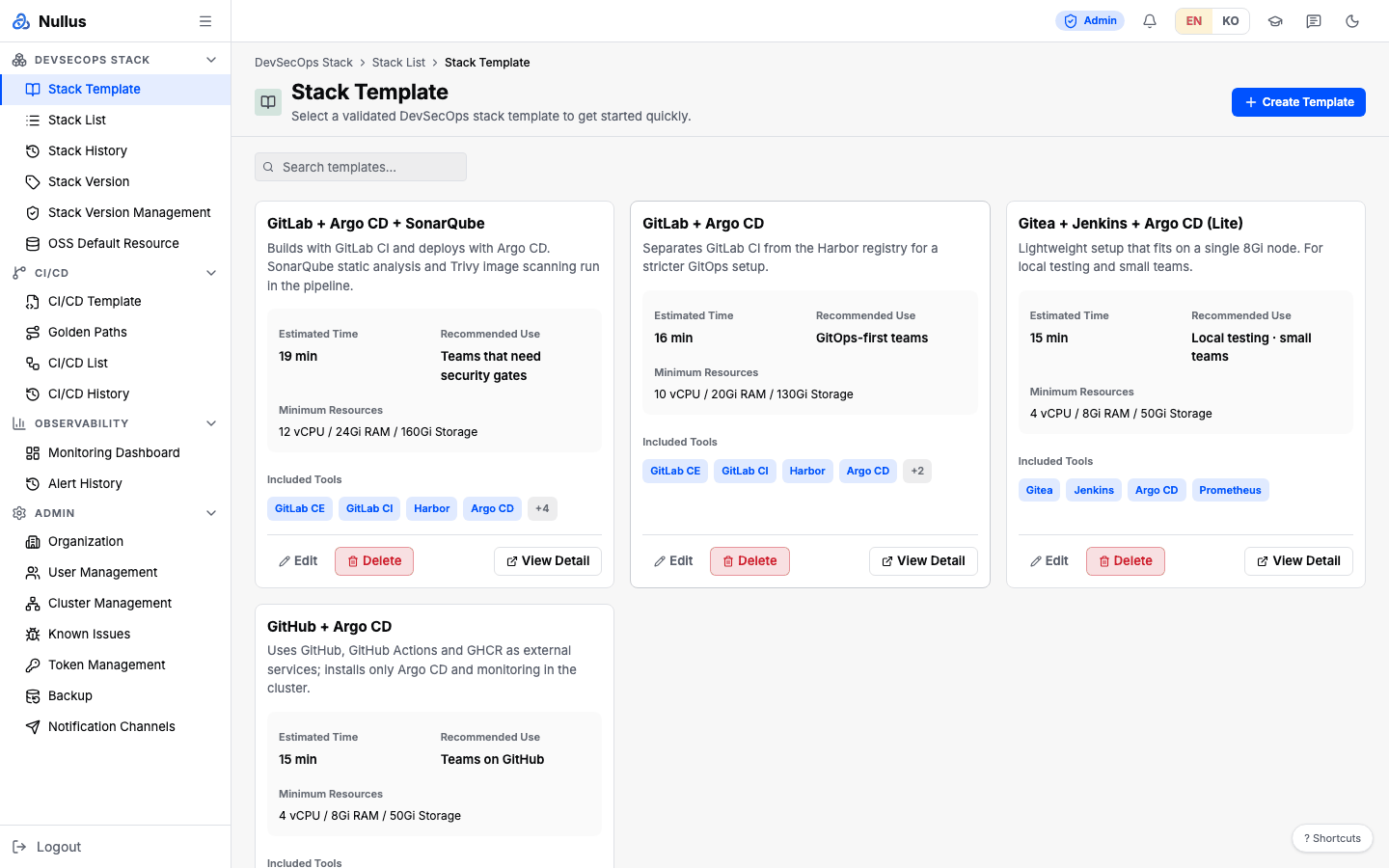
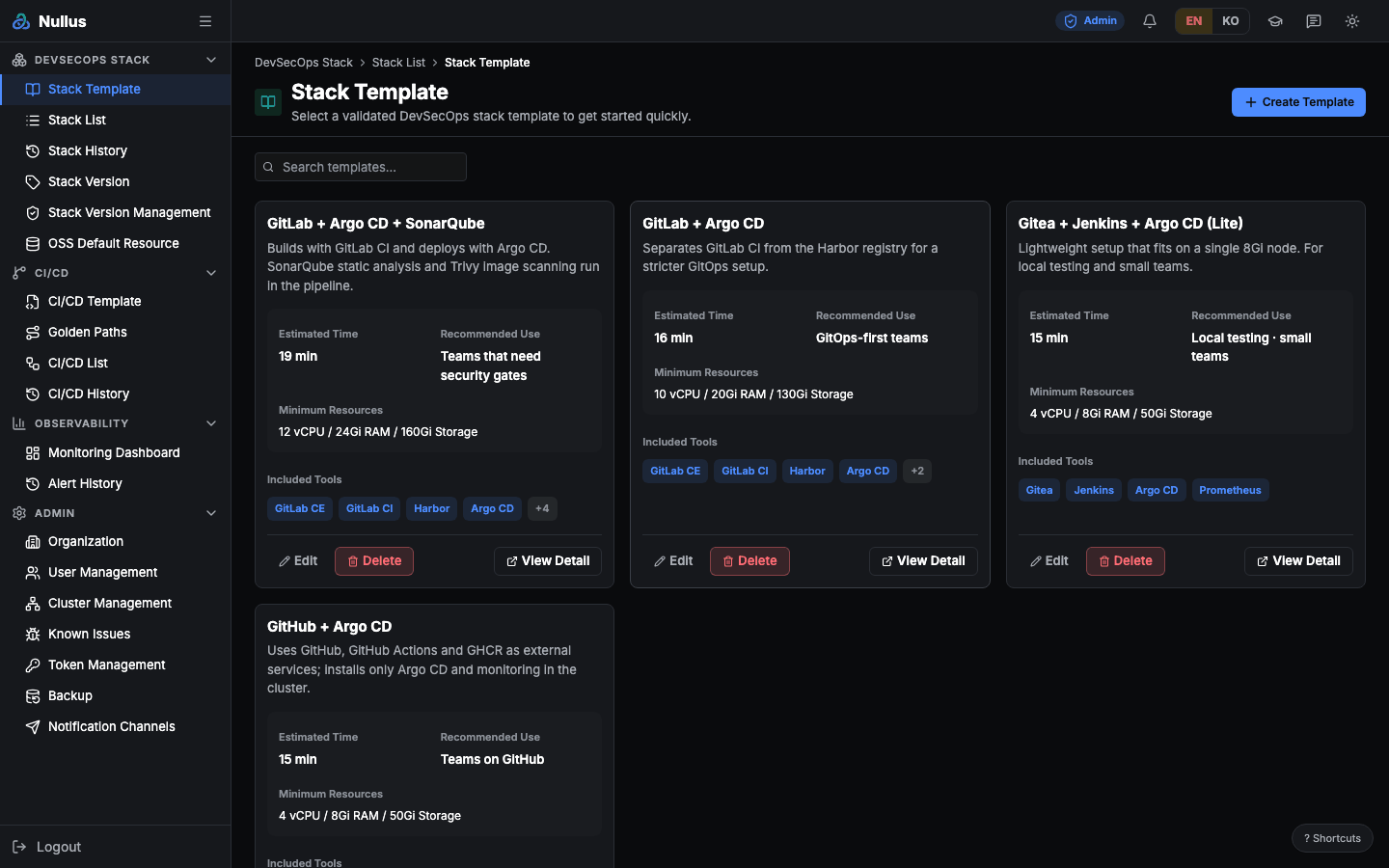
How to use it
- Browse the cards, or narrow them down with
Search templates.... - Click View Detail to check the included tools and versions.
- Click Use This Template to go to the install screen
(
/stack/install?template=<id>) with the template's contents prefilled.
If you pick the empty template (empty-template-v1), the button label changes
to Start with Empty Base.
What a card shows
- Estimated Time
- Recommended Use
- Minimum Resources
- Included Tools — the first 4, plus
+N
Buttons and roles
| Button | Who sees it |
|---|---|
| View Detail | Everyone |
| Use This Template / Start with Empty Base | Everyone |
| Duplicate | Everyone |
| Create Template | admin |
| Edit | admin |
| Delete | admin |
When you create or edit a template, you enter the Template ID, Name, Description, Sizing Profile (Local · Startup · Standard · Enterprise), and the tool setup for each section.
APIs it calls
| Action | Endpoint |
|---|---|
| List | GET /api/v1/stacks/templates |
| Create | POST /api/v1/stacks/templates |
| Update | PUT /api/v1/stacks/templates/{id} |
| Delete | DELETE /api/v1/stacks/templates/{id} |
A developer can still open it by URL
The sidebar hides this screen from developers, but the route has no role restriction. The API is admin- and devops-only, though, so the list looks empty.