Features at a glance
The sidebar shows 19 screens, and 13 more are reachable only by path, with no menu entry. The tables below list every one of them.
Sources: web/src/components/layout/nav-model.tsx (sidebar),
web/src/app/routes.tsx (routes and roles), web/src/i18n/en.json (screen names).
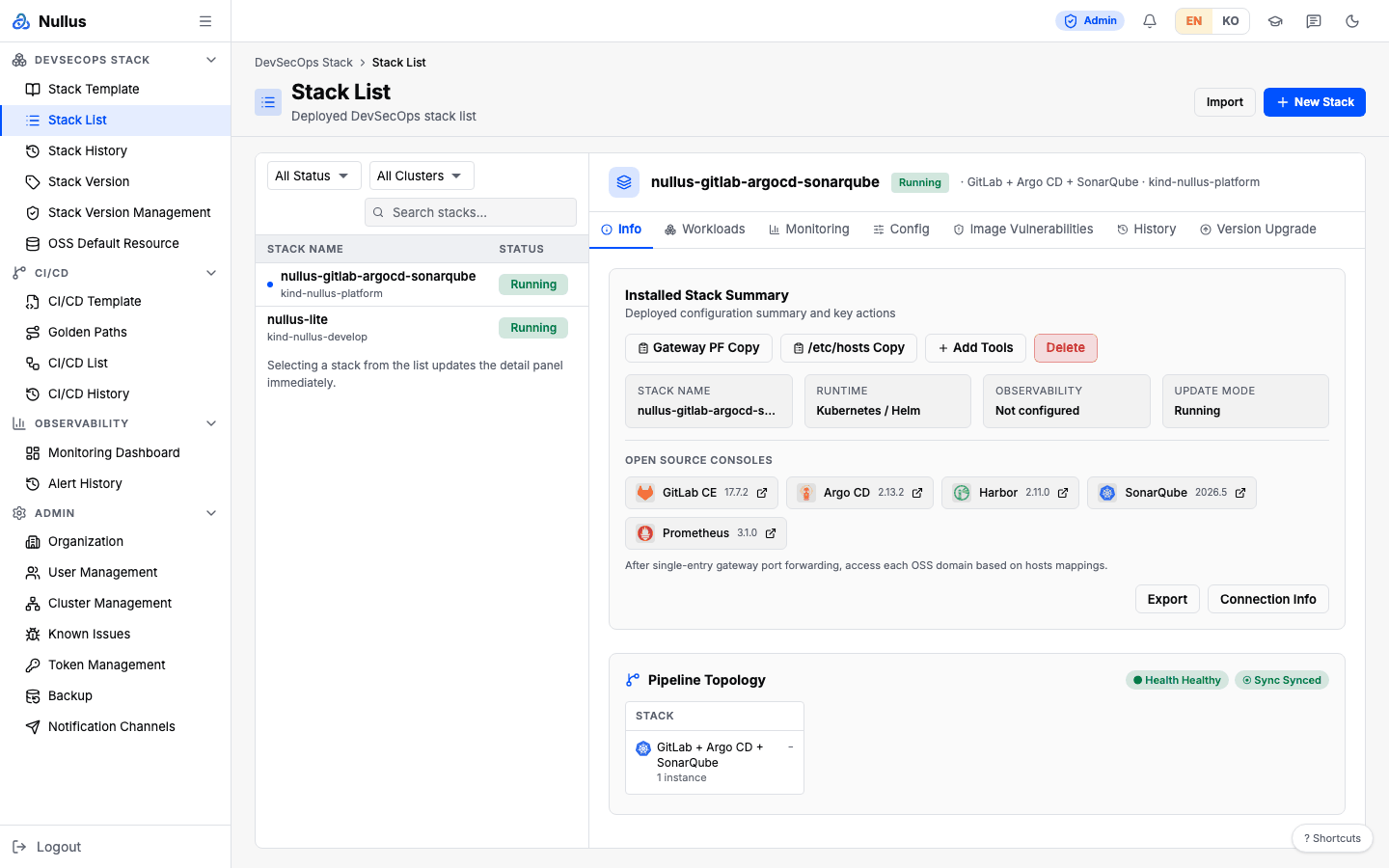
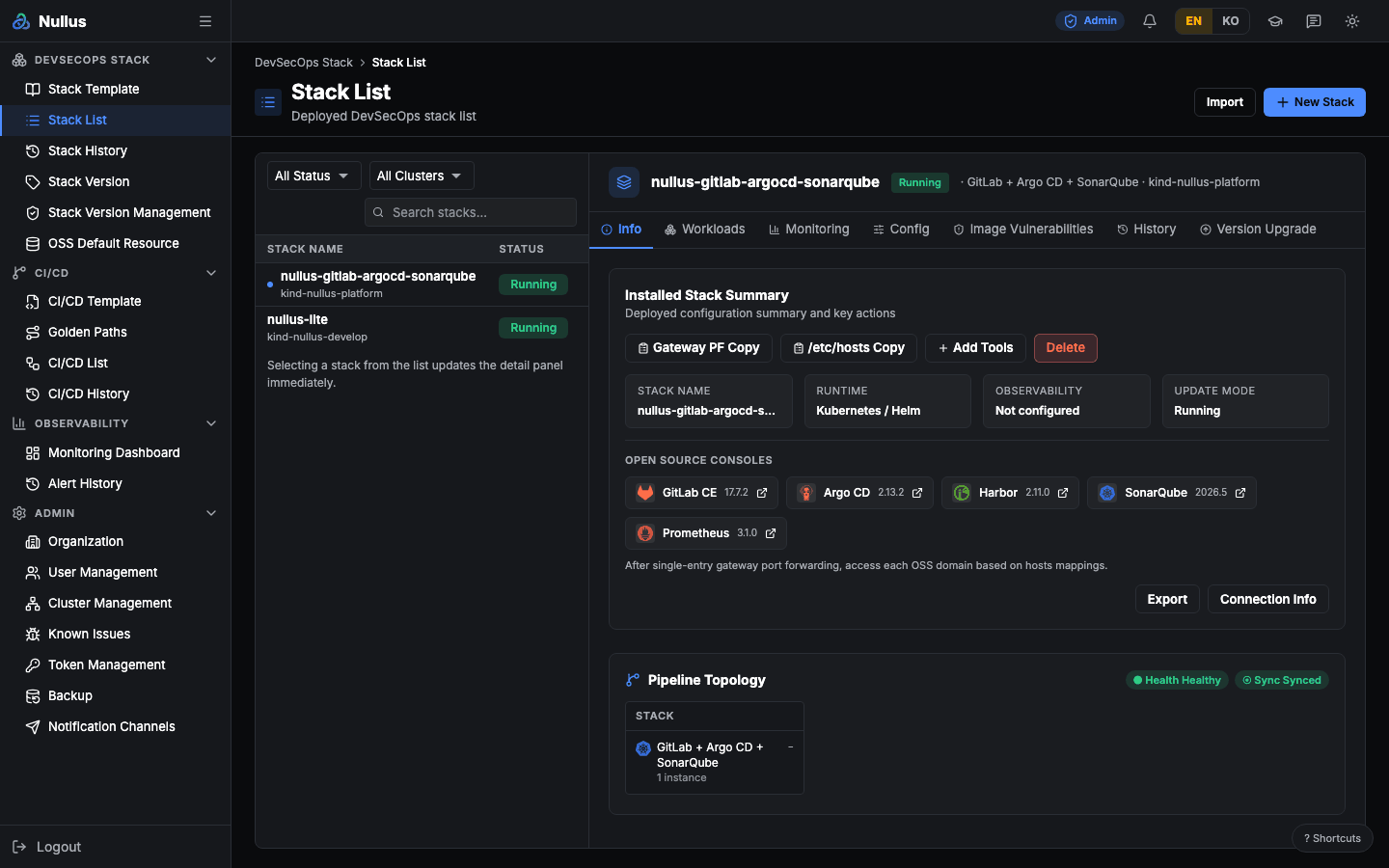
Sidebar menu
DevSecOps Stack
| Screen | Path | Roles | What it does |
|---|---|---|---|
| Stack Template | /stack/templates |
admin devops | Pick a validated OSS combination and enter the install wizard |
| Stack List | /stack/list |
admin devops | View installed stacks with their status and access info |
| Stack History | /stack/history |
admin devops | Compare stack changes and roll them back |
| Stack Version | /stack/version |
admin devops | View the tool-version compatibility matrix |
| Stack Version Management | /admin/stack-versions |
admin | Register and edit the compatibility matrix yourself |
| OSS Default Resource | /stack/oss-resource-default |
admin devops | Tune per-tool CPU and memory defaults |
CI/CD
| Screen | Path | Roles | What it does |
|---|---|---|---|
| CI/CD Template | /cicd/templates |
admin devops | Pick a pipeline template |
| Golden Paths | /cicd/golden-paths |
admin devops | Define the organization's standard pipeline paths |
| CI/CD List | /cicd/list |
admin devops developer | View your pipelines and their latest run results |
| CI/CD History | /cicd/history |
admin devops developer | Track deployment history |
Observability
| Screen | Path | Roles | What it does |
|---|---|---|---|
| Monitoring Dashboard | /observability/monitoring |
admin devops developer | See cluster, pipeline, and tool status on one screen |
| Alert History | /observability/alert-history |
admin devops developer | View fired alerts in chronological order |
The alert rules screen is hidden on purpose
alert-rules-page.tsx exists in the repository, but it is not wired into
the sidebar or the routes. Rules are only stored, never evaluated, so
exposing the screen would lead to "I created a rule but no notification
arrives." The decision to keep it hidden until a rule editor exists is
pinned by a test in web/src/app/routes.alert-rules.test.tsx. Today, the
only alerts delivered are critical alerts from the stack's default rules.
Admin
| Screen | Path | Roles | What it does |
|---|---|---|---|
| Organization | /admin/organization |
admin | Manage organization info and resource profiles |
| User Management | /admin/users |
admin | Invite members and assign roles |
| Cluster Management | /admin/clusters |
admin | Register and verify target Kubernetes clusters |
| Known Issues | /admin/known-issues |
admin | Review known constraints and workarounds |
| Token Management | /admin/token-management |
admin | View external tool token sources and their renewal status |
| Backup & Restore | /admin/backup |
admin | Back up platform state and restore it |
| Notification Channels | /admin/notifications |
admin | Register channels that receive alerts and send test messages |
| AI Assistant | /admin/assistant |
admin | Register the model provider, model, and API key the assistant uses |
Screens without a menu entry
These paths have no sidebar item; you reach them from other screens.
| Screen | Path | How you get there |
|---|---|---|
| Home (role-based summary) | / |
Click the logo |
| Stack Install | /stack/install |
Pick a template on Stack Template |
| Add Tools | /stack/:id/add-tools |
Stack detail panel |
| Deployment Log (deploy progress) | /stack/deploy/:id |
Right after you start an install |
| Deployment Log (install log) | /stack/logs/:deploymentId |
Deploy progress screen |
| Retry history | /stack/deployments/:deploymentId/retry-history |
Deploy progress screen |
| Stack Version (alias) | /stack/versions |
Same screen as /stack/version |
| Organization (alias) | /admin/organizations |
Same screen as /admin/organization |
| App Deploy | /cicd/developer-deploy |
First screen after a developer signs in |
| CI/CD Pipeline Setup | /cicd/create |
Create button on CI/CD List |
| Pipeline Logs | /cicd/pipelines/:id/logs |
CI/CD List or CI/CD History |
| Sign in | /login |
Automatic redirect when you are not authenticated |
| 404 | Any other path | — |
| AI Assistant | No path — a panel | The button at the bottom right of every screen (only after an admin turns it on) |
The sidebar and the routes can disagree
Roles are enforced in two places: the sidebar hides menu items and the routes block access. The two do not always match.
For example, /stack/templates, /stack/list, /stack/history, and
/stack/version sit in a route group with no role restriction
(<ProtectedRoute />), so a signed-in developer can still open them by
URL. They are only hidden in the sidebar. /cicd/templates and
/cicd/golden-paths likewise allow all three roles at the route level, but
the sidebar shows them only to admin and devops.
The full comparison is in the roles table.