Cluster Management
/admin/clusters admin
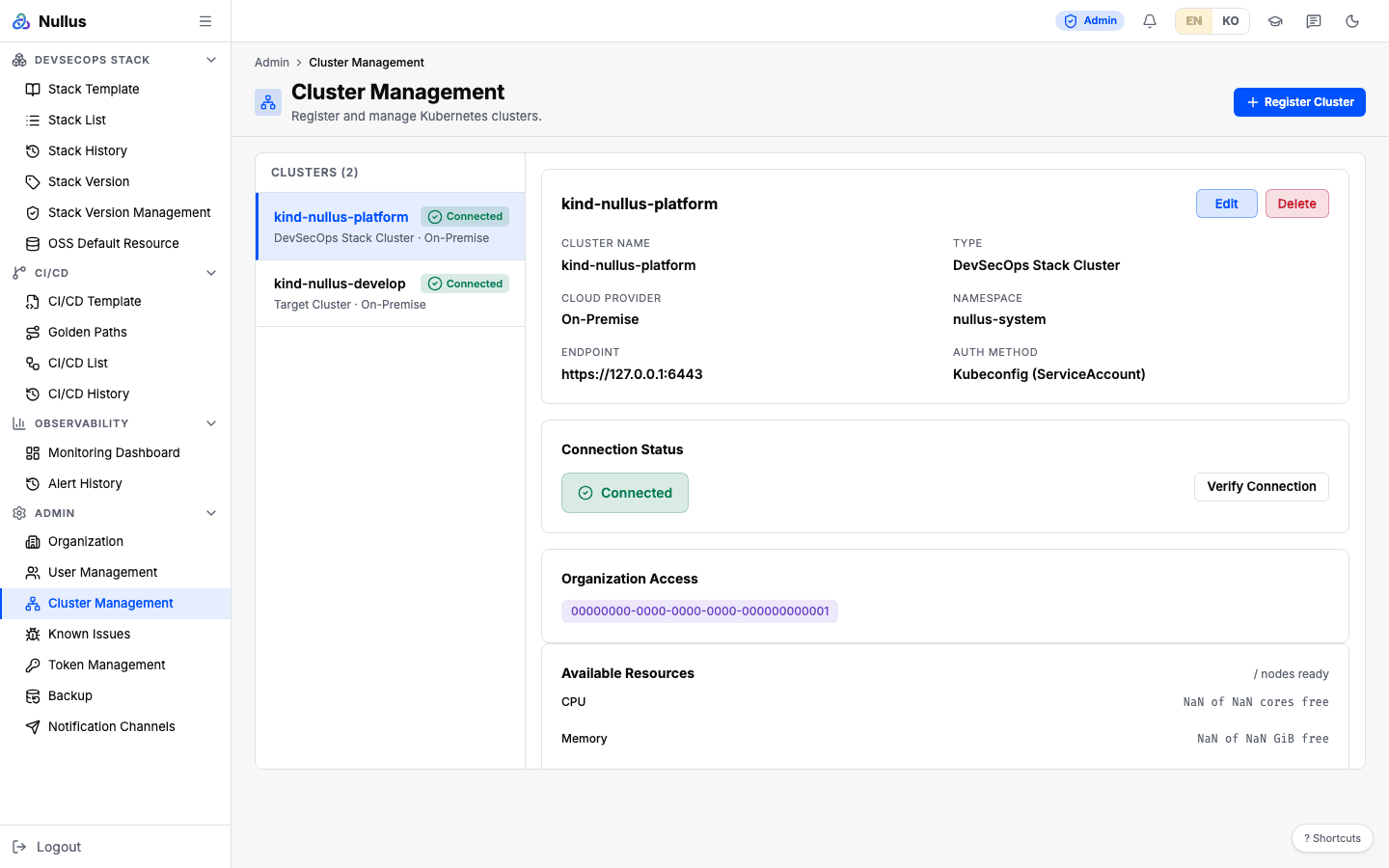
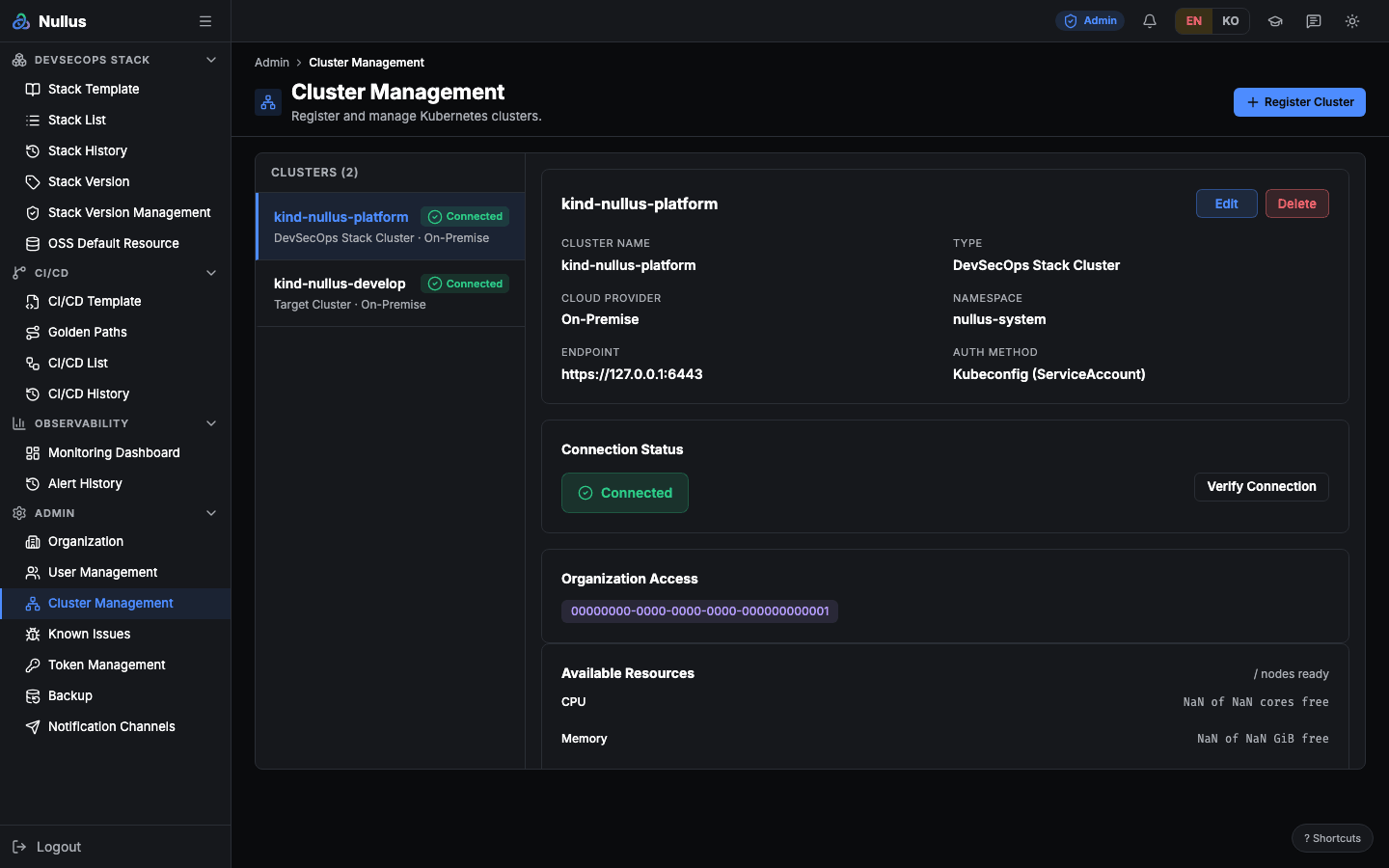
This screen registers the Kubernetes clusters you install stacks on and checks their connections. It is the first thing you do when you start using Nullus.
Register a cluster
- Open the Register Cluster dialog.
- Cluster Name — at least 2 characters.
- Cluster Type checkboxes —
DevSecOps Stack Cluster(pipeline) ·Target Cluster(target). You must pick at least one. - Choose a Cloud Provider — one of 11. The default is
On-Premise. - Endpoint — optional.
- kubeconfig — paste it or upload a file.
- Click Verify Connection. The Register button is enabled only once the result
is
connected. - When you click Register, it saves the cluster and then automatically verifies it once more.
Two ways to provide the kubeconfig
| Method | Behavior |
|---|---|
| Paste | The Paste kubeconfig content... text area |
| File upload | .yaml, .yml, or .conf, up to 1 MiB. The file is not uploaded — the browser reads it and fills in the text area above |
When you edit a cluster, leaving the kubeconfig empty keeps the existing value.
The kubeconfig is not parsed
The server does not extract contexts or interpret the content. It first checks whether
the value is base64; if not, it accepts it as raw YAML and encrypts the whole
document with AES-256-GCM before storing it. The encryption key is the 32-byte
ENCRYPTION_KEY.
Duplicate cluster names are not prevented
There is no check in the code and no unique constraint in the database. You can register several clusters with the same name.
What connection verification checks
Verification does not run kubectl version. It uses the client library to
fetch the server version and list the nodes, and both must finish within 10 seconds.
| Button | Endpoint | Behavior |
|---|---|---|
| Verify Connection in the dialog | POST /api/v1/admin/clusters/verify |
Takes only the kubeconfig, checks it, and saves nothing. Returns 502 on failure. Ignores endpoint if you send it |
| Verify a registered cluster | POST /api/v1/admin/clusters/{id}/verify |
Decrypts the stored kubeconfig and checks it. On failure, it rediscovers the nodes and tries once more. On success, it saves the status and the node architectures |
A successful response contains status, version, node_architectures, and node_count.
Node rediscovery (refresh-discovery)
POST /api/v1/admin/clusters/{id}/refresh-discovery decrypts the kubeconfig, queries the
cluster again, and saves the connection status and node architectures.
It also runs once automatically when you register a cluster, and when you edit a cluster and change its kubeconfig.
This screen has no rediscovery button
It does not show node architectures either. The rediscovery button is on the Stack Version Management screen.
Connection status values
| Value | When |
|---|---|
pending |
Right after registration |
connected |
Verification or rediscovery succeeded |
Connection failures are not recorded
The code also defines unreachable, auth_failed, and connection_failed, but only
connection_failed is actually used, and that value is not part of the database
type. So the write that tries to store the failure is rejected by the DB, and the row
keeps its previous status. The API returns 200.
This means a cluster that has lost its connection can keep showing as connected (or
pending) on the screen. Rather than trusting the status, click the verify button
yourself to check.
Detail panel
The Available Resources card re-reads
GET /api/v1/admin/clusters/{id}/monitoring-summary every 5 seconds.
The Namespace and Auth Method rows are not stored values
The screen shows values hard-coded per cluster type — nullus-system /
"Kubeconfig (ServiceAccount)" for pipeline, default / "Kubeconfig" for target. What is
actually stored is the name, type, cloud provider, endpoint, connection status,
organization, and node architectures.
Self-registration from inside the cluster
POST /api/v1/admin/clusters/self-register does not take a kubeconfig. It builds a
kubeconfig from the ServiceAccount mounted in the pod and registers the cluster it runs in.
If it is not running inside a cluster, it returns 412.
The name defaults to nullus-self, and the organization ID is required. If a cluster with
the same name already exists, it returns that one (idempotent).
No screen calls it; the air-gapped install script uses it.
APIs it calls
GET /api/v1/admin/clusters · GET …/{id} (includes the decrypted kubeconfig in the
response to fill in the edit dialog) · PATCH …/{id} · DELETE …/{id} ·
POST …/verify · POST …/{id}/verify · POST …/{id}/refresh-discovery ·
GET …/{id}/monitoring-summary
Registered but not used by this screen: GET …/{id}/namespaces ·
GET …/{id}/storage-classes · GET …/{id}/pods — the stack install wizard uses them.